You've heard it on every record you love: kicks that thud in your chest and cut through earbuds, snares that crack like a gunshot. Then you drop a single drum hit into your own beat and it sounds thin, or boomy, or just... there. The hits don't punch.
The reason is almost never that you picked the wrong sound. It's that you're asking one sound to do two jobs at once. The fix that producers reach for constantly is layering, and once you understand the logic behind it, your drums stop being the weak link in your beats.
What "layering" actually means
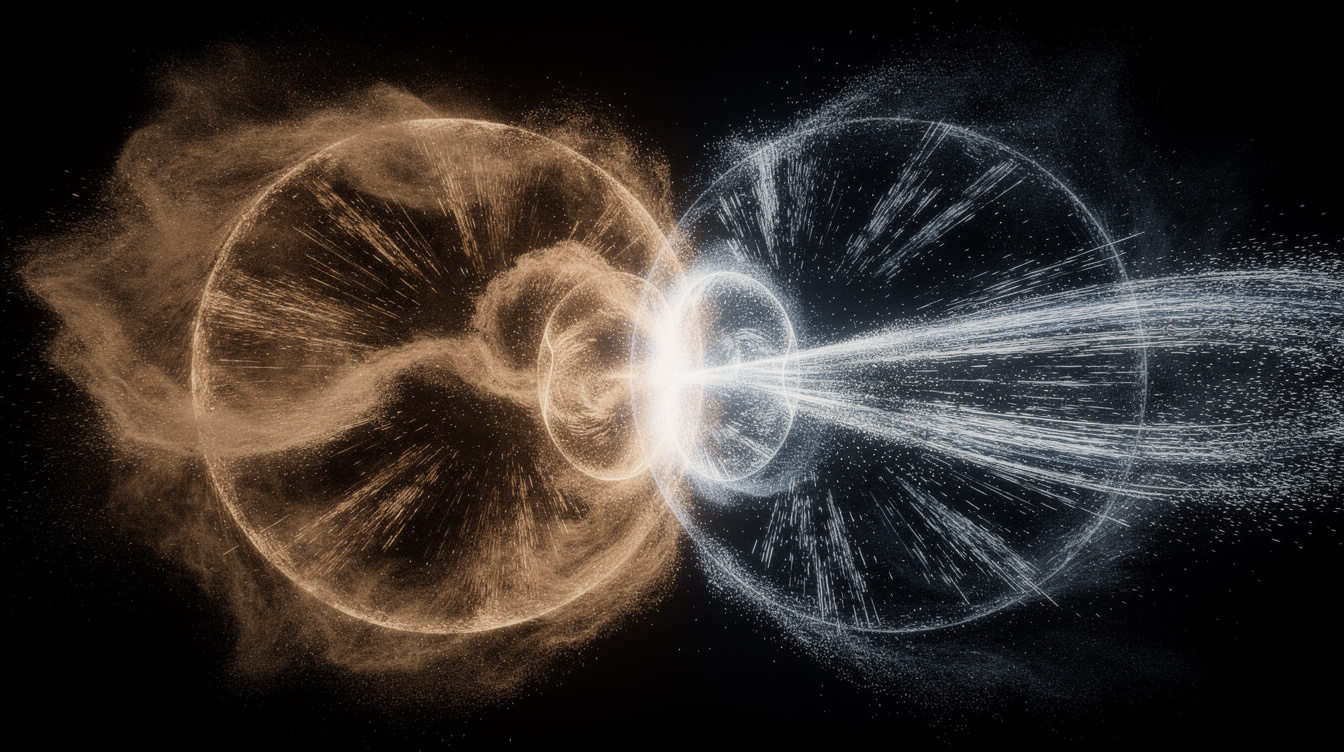
Layering is stacking two or more sounds so they play together as one bigger sound. You're not adding a second kick to the pattern — you're building a single, better kick out of two ingredients that each bring something the other lacks.
Think about why one kick rarely sounds finished. A deep, subby kick has gorgeous low-end weight but disappears on a phone speaker because it has no high-frequency content to grab your ear. A tight, clicky kick cuts through anything but feels weightless on a real system. Neither is "wrong" — they're each half of a great kick.
The classic move is to layer a sub kick with a click kick. The sub layer brings the chest-thump low end; the click layer brings the attack that makes it audible on tiny speakers. Stacked and tuned together, you get a kick with both: weight on the bottom and cut on top.
The same logic for snares
Snares work exactly the same way, just split into more jobs:
- A body layer — the meaty, mid-range "thwack" that gives the snare its size and weight.
- A crack / top layer — the bright, sharp snap that slices through the mix and gives it attitude.
- Optionally a clap layered in to widen and thicken the backbeat, adding that "hands in a room" texture on top.
Stack a fat body underneath a crisp crack and you get a snare that's big and present. Most great snares you hear are two or three sounds working as a team, not a single magic sample.
The five rules that make it work
Layering badly just makes a muddy mess that's quieter than where you started. Layering well comes down to a handful of rules:
1. Each layer must add something the others don't. Before you add a layer, ask: what is this bringing that I don't already have? If you stack two subby kicks, you don't get more weight — you get mud and phase problems. Stack a sub and a click and each one has a clear job. Complementary, not redundant.
2. Tune the layers to fit each other (and the track). A kick and a snare have pitch, even if you don't think of them that way. If your sub kick is tuned to one note and your click layer clashes with it, the stack sounds off. Pitch them so they agree with each other and sit in the key of your song. A tuned kick locks into the bassline instead of fighting it.
3. Align the transients so they hit as one. This is the big one. The sharp first instant of each sound — the transient — needs to land at the exact same moment, or the layers smear into a flabby double-hit instead of one tight punch. If two layers fire slightly apart, they can also cancel each other out and you lose low end. Nudge them until the attacks line up and the combined hit snaps as a single sound.
4. EQ each layer to its job. Give each layer its own lane so they stop clashing. On a kick stack: roll the highs off the sub layer so it's only doing low end, and roll the lows off the click layer so it's only doing attack. Now they occupy different frequency space and stack cleanly instead of piling up in the same spot and turning to mud. Same on snares — let the body own the mids, let the crack own the highs.
5. Don't over-layer. Two well-chosen layers beat five random ones every time. Each extra layer is another transient to align, another sound to EQ, another chance to add mud. If you can't clearly say what a layer is contributing, cut it. Restraint is part of the skill.
Where this is easy in Onomo
The annoying part of layering in a lot of setups is hunting through folders for the right WAV to fill a gap. Studio takes a different approach: it has seven dedicated drum engines — SuperKick, SuperSnare, SuperClap, SuperHat, SuperOpenHat, Super808, and SuperPerc — so each piece of a layered hit comes from an instrument you can shape, not a frozen one-shot you're stuck with.
That makes the rules above much easier to follow. Want your kick stack to have more click? Shape the attack on SuperKick instead of digging for a different sample. Need a snare body and a separate crack? You've got the engines to build both and tune them to match. And because the step sequencer gives you per-step control — velocity, pitch, and more on every hit — you can place your layered kick and snare exactly where they punch hardest and let the rest of the groove breathe around them. It's all free and runs in the browser.
FAQ
Is layering drums free in Onomo? Yes. Studio's seven drum engines and step sequencer are part of the free DAW that runs in your browser — no download, no plugins to buy.
How many layers should a kick have? Usually two does it: one for low-end weight, one for click/attack. Sometimes a third for a little extra texture. If you can't name what a layer adds, you don't need it.
Why do my layered drums sound weaker, not stronger? Almost always a transient-alignment or phase issue — the attacks aren't landing at the same instant, so the layers partly cancel out. Line up the transients first, and high-pass/low-pass each layer to its own job.
Do I really need to tune drums? For punchy, professional-sounding stacks, yes. Even a rough tune so the kick agrees with your bassline and the layers agree with each other makes a noticeable difference. It's one of the fastest upgrades to your low end.
What's the difference between a kick and an 808? A kick is the percussive drum hit; an 808 is a long, tuned, sub-bass tone that often replaces or layers with the kick in trap and hip-hop. Layering a short click-y kick on top of a sustained 808 is a hugely common combination — the 808 carries the note, the kick gives it attack.
Can I do this on my phone? Not in Studio yet — it needs a laptop, desktop, or tablet-sized screen for now. On a phone you can still sketch in Foundry and the Toolkit, then layer and align the drums in Studio on a bigger screen.
Ready to try it yourself?
Onomo is a creative suite in your browser — a full DAW, a design editor, a video editor and a writing room. Free to start, nothing to install.
On your phone? Make your account now and open Studio later on a laptop, Chromebook or tablet. The free Toolkit works right here.
Open Studio