There's a move every music video wants: the punch. The frame snaps in a hair on every kick. Done right, you barely notice it — you just feel the video breathing with the track.
Done the normal way, it's an evening of work. You scrub to the first kick, set a keyframe. Scrub to the next, set another. And another. For fifteen seconds of clip you place dozens of keyframes by hand, eyeballing each one against the waveform, and if the producer swaps the drum pattern, you start over.
We thought that was absurd. The information you need — where the kicks are — is right there in the audio. The editor should just listen.
So Motion does.
A waveform is a picture. A score is information.
Most editors draw your audio as a waveform and stop there. It's a picture of loudness over time — useful for finding the chorus, useless for syncing anything precisely. You're still the one reading it and placing every mark.
Motion treats the track as a score: something it can analyze and react to, frame by frame. Instead of you watching the audio and moving the visual, the visual subscribes to the audio.
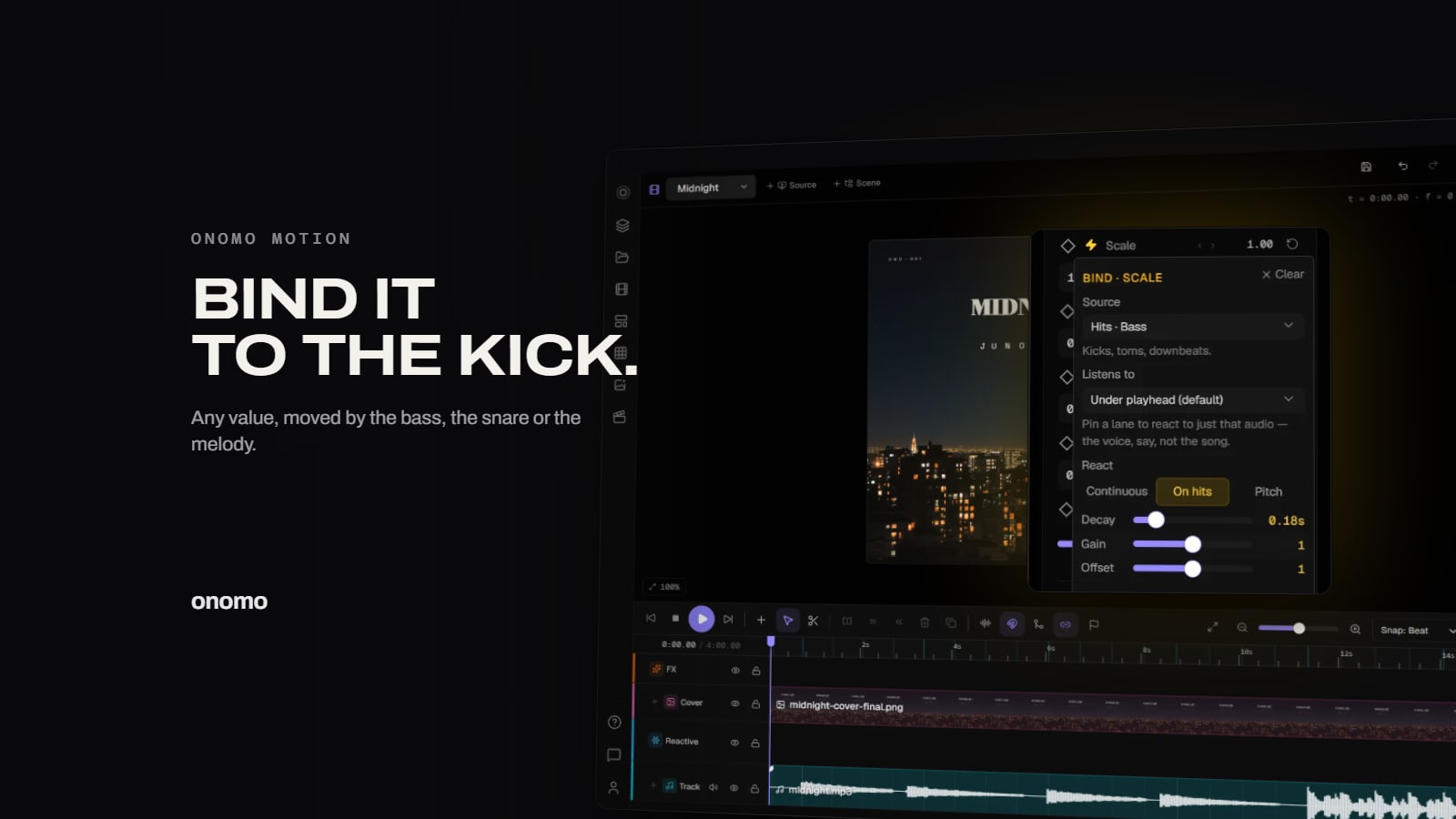
The unit that makes this work is a binding. You pick a source — the hits in the low, mid, or high end, the energy in a frequency band, the overall level, or the pitch of the melody — and a target: a clip's scale, its position, its opacity, a blur radius, a glow, a generator's settings. From then on, that parameter is driven by the audio itself.
What "the kick" actually means
Motion doesn't pretend a finished mix contains separate instruments. When you drop in a bounced MP3, it analyzes the audio and offers sources that are honestly true of any track:
- Hits · Bass — onsets in the low end: kicks, toms, downbeats
- Hits · Mid — onsets in the mids: snares, claps, stabs
- Hits · Treble — onsets up top: hats, shakers, ticks
- Bass, mid, and treble energy — how much is happening in each band, moment to moment
- Level — overall loudness
- Pitch — the melody, mapped to the track's own range
So "punch on every kick" is a binding to bass hits — and it lands on the beat because it's reading the actual transients, not your hand-placed guess at where they are.
When you want the real instrument, put the real instrument on a track. Load a stem pack — exported from Studio or split with the Stem Splitter — and each stem lands on its own audio track. Point a binding at the kick track and it reacts to the kick alone, and it keeps following that clip if you move or split it.
Gain, offset, decay — the knobs that make it musical
A raw binding, straight from the analyzer, twitches. Real audio is noisy; if every flicker drove the frame, the video would jitter.
So a binding isn't just on/off. It has shape:
- gain scales how hard the audio drives the move — a subtle 2% breath or a hard slam
- offset sets the resting value, so a clip can sit at 100% scale and punch up from there, instead of starting at zero
- react decides the character: ride the energy envelope continuously, or fire a sharp pulse on each hit — with a decay you set, from a snappy stab to a slow swell per hit
Those three turn a reactive parameter into a musical one. The same kick binding can be a barely-there pulse on a lyric or a full-frame slam on a hero shot — same source, different feel.
Why this is the whole point
Here's what changes when the editor hears the song: the tedious work disappears, and the creative work gets bigger.
You stop spending the evening placing keyframes and start spending it deciding which move belongs on which moment. Bind the title's scale to the kick. Bind a glow to the vocal track so the words light up when the hook lands. Bind a generator to the bass energy so the whole backdrop surges in the drop. Each of those is one decision and one bind — and if the mix changes, they all just follow, because they were never married to a timestamp in the first place.
The keyframes are still there if you want them — every parameter keyframes, with real easing curves. But the binding is the thing that makes Motion feel like it's with you. The song is doing half the editing. You're directing.
That's what we mean when we say Motion hears your song. It's not a tagline. It's the architecture.
Drop a track, bind a clip to the bass hits, and watch the frame find the beat on its own.
Ready to try it yourself?
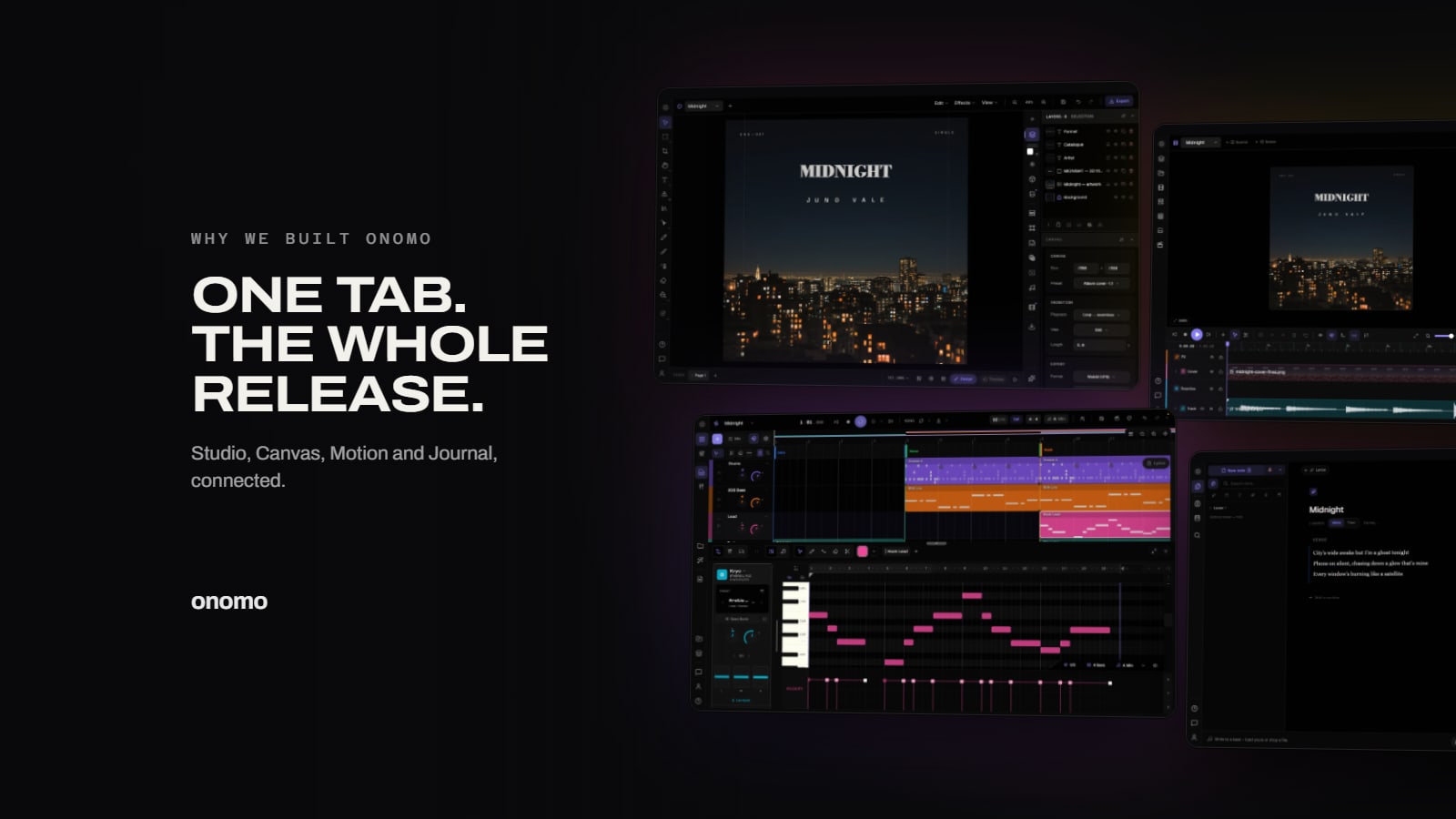
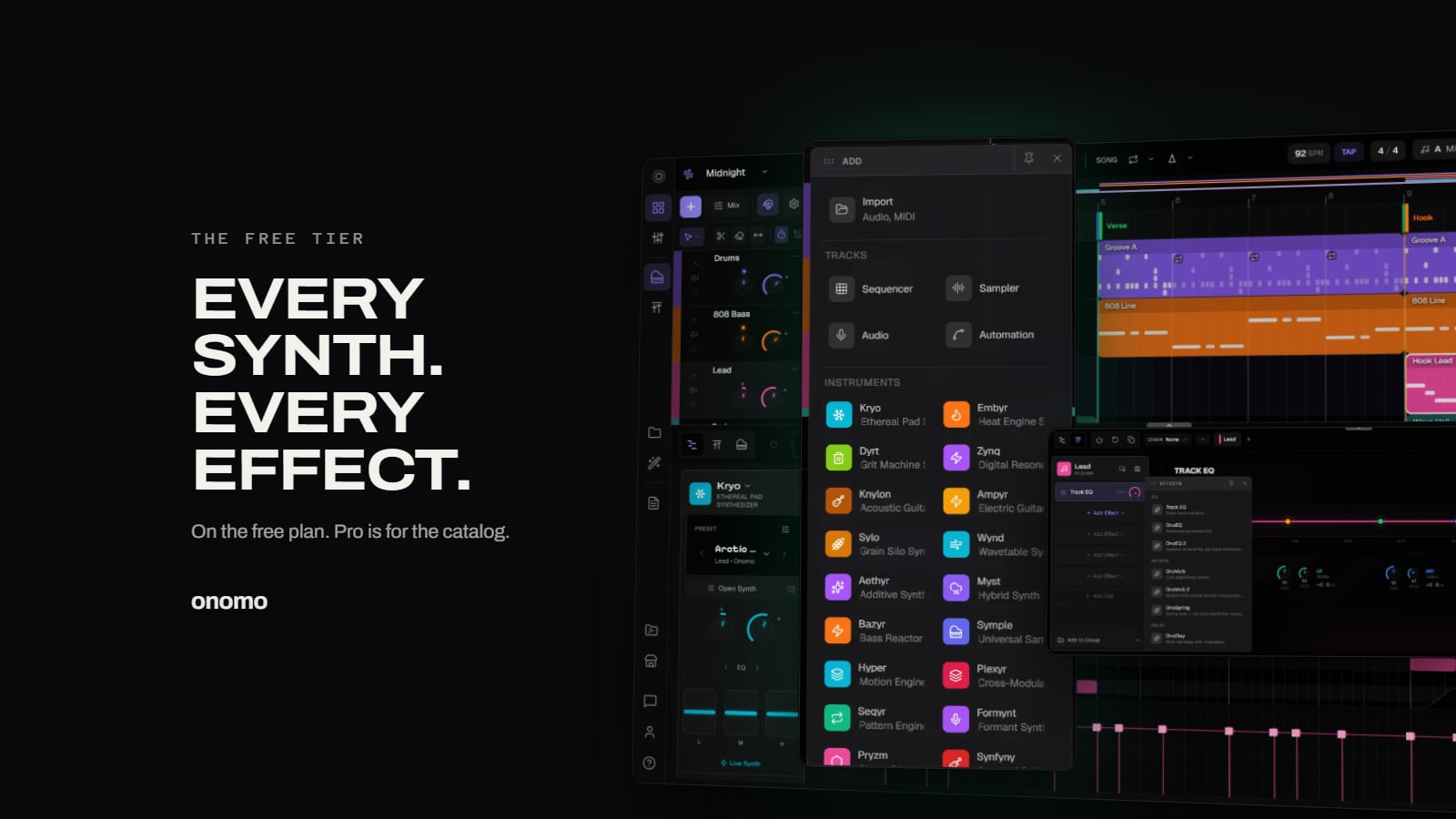
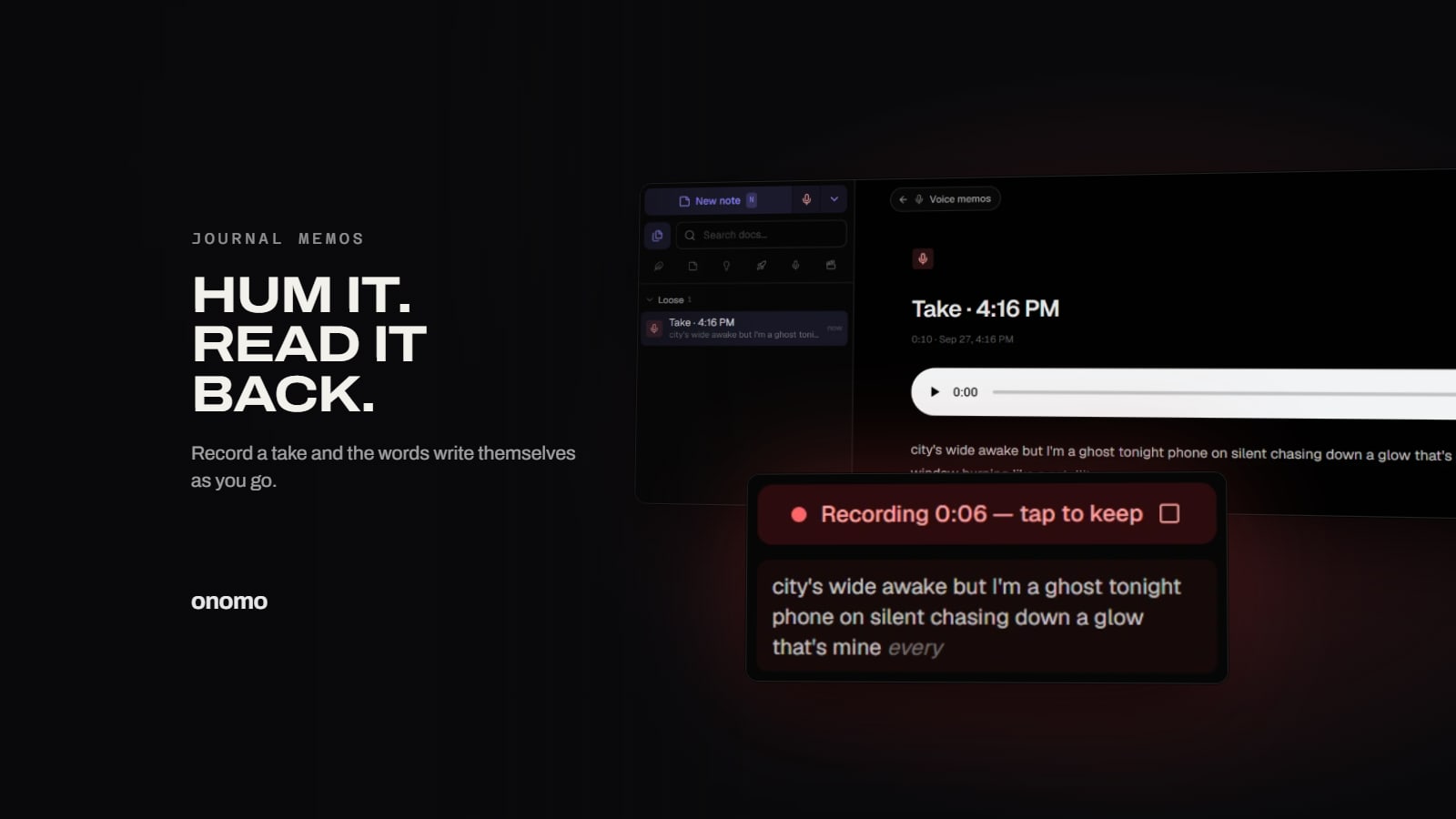
Onomo is a creative suite in your browser — a full DAW, a design editor, a video editor and a writing room. Free to start, nothing to install.
Try it in Motion — free