The Junk-Drawer Problem: Your Song Ideas Are Everywhere
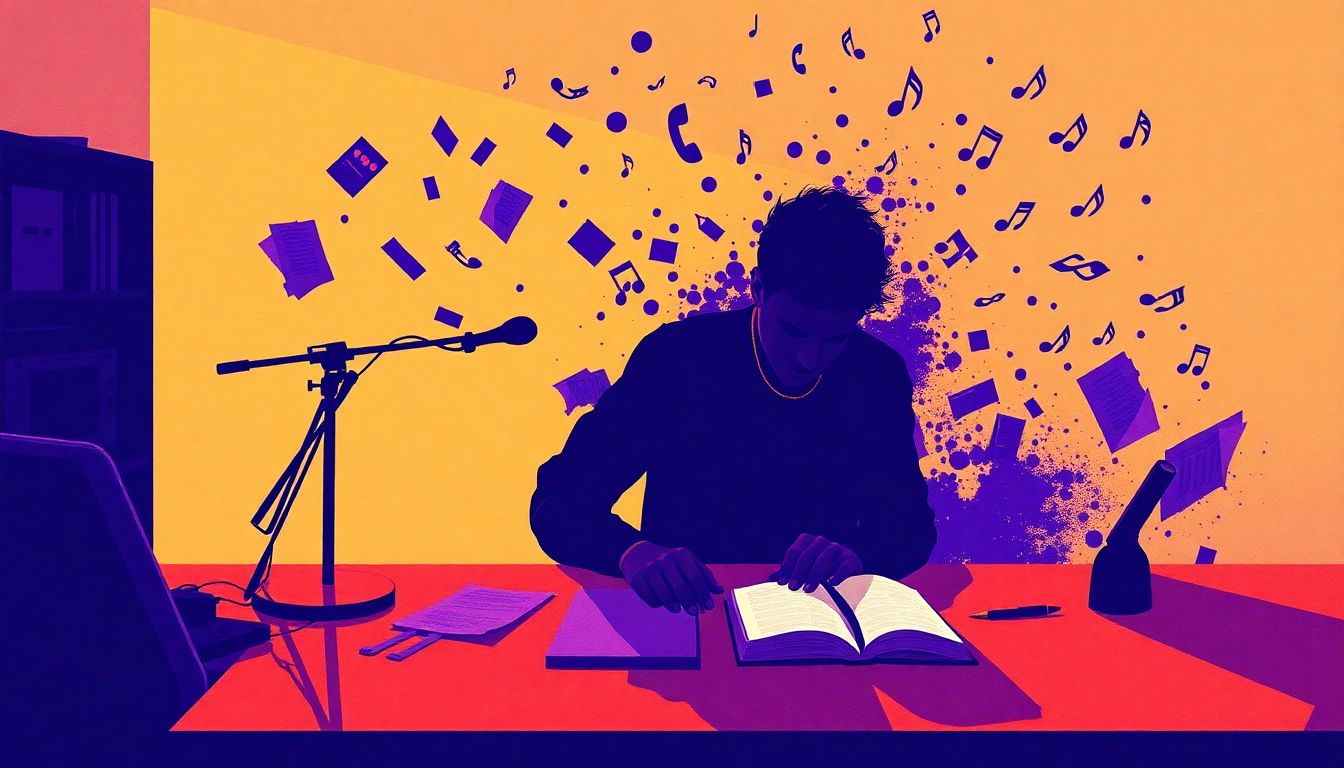
You know the feeling. You're in the shower, walking the dog, or trying to fall asleep, and a melody hits. You grab your phone, record a 30-second voice memo, and tell yourself you'll sort it out later. Then you're at your desk, and that perfect hook you hummed three days ago is buried between a grocery list and a screenshot of a meme.
This is the junk-drawer problem. Your song ideas live in Notes, voice memos, text messages to yourself, the back of a receipt, and that one email draft you never sent. Every time you sit down to produce, you spend the first 20 minutes hunting for what you already wrote. And the worst part? You know you had something good — you just can't find it.
The hidden cost isn't just wasted time. It's the songs you don't finish because the thread got dropped. A killer hook that never made it to the arrangement. A production idea that felt brilliant at 2 AM but evaporated by morning. When your ideas are scattered, they're fragile. One accidental swipe-delete and it's gone.
A Better System: Three Buckets That Cover Everything
Here's the fix: stop organizing by app and start organizing by type. Every song idea falls into one of three buckets:
- Voice capture — melodies, humming, spoken hooks, production ideas you need to hear
- Lyric drafting — words, rhymes, phrases, full verses
- Production notes — arrangement ideas, mix thoughts, sample references, "add reverb to the snare"
The rule is simple: capture fast, organize later. When an idea hits, don't think about which app to open. Just get it into the right bucket. You can clean up, tag, and link everything when you're at your desk. But if you have to decide where to put it in the moment, you'll lose the idea.
Bucket 1: Voice Capture for the Ideas That Won't Wait
Voice memos are the fastest capture method ever invented. You hit record, you hum, you're done. But they're also the hardest to use later. A folder full of "New Recording 47.m4a" is basically a graveyard of forgotten ideas. You can't search them, you can't skim them, and you definitely can't drop them into a DAW without manual transcription.
The fix: a tool that transcribes automatically and preserves the original audio. That way you can search for "that bassline idea from Tuesday" and find it instantly, but also hear the original take if the transcription missed a nuance.
Bucket 2: A Lyric Editor That Knows What Rhymes
Plain text editors are terrible for lyrics. They give you no structure, no rhyme help, no version history. So you end up with a single Notes file called "song ideas" that's 47 pages long with no way to find anything. Or worse, you rewrite the same verse three times and can't remember which version you liked.
A real lyric editor should do three things:
- Inline rhyme lookup — so you can see "orange" rhymes with "door hinge" (okay, bad example) without leaving your flow
- Version checkpoints — so you can try a different angle and roll back if it doesn't work
- Word-level timing — so you can mark where each syllable lands against the beat
Onomo's Journal lyric docs have a rhyme engine built in, based on the open-source CMU Pronouncing Dictionary. No AI latency — just instant perfect, near, and slant rhymes matched by sound, not spelling. And your drafts are saved to a version history, so you can experiment freely.
Bucket 3: Production Notes That Actually Link to Your Project
This is the bucket most producers ignore, and it costs them the most. You're deep in a mix at 2 AM, and you think "the kick needs more attack, and the verse should drop to just the 808 and vocal." You write it on a sticky note or in a text file. A week later, you open the project and have no idea what you meant.
The solution: project-linked notes. Instead of a random text file, your production notes should be attached to the song they're about — and specific enough to act on. "Add a riser at bar 17." "Saturate the bass at the drop." Written down and filed with that song, not floating in a notes app.
Onomo's Journal notes are taggable and can be tied to a specific project, so when you come back to that song in Studio, its notes are waiting with it. No more "what was I thinking" moments.
Putting It Together: One Workflow, No More App Hopping
Here's how this looks in practice. You're on a walk and a melody hits:
- Capture — Open Journal Memos, record 15 seconds of humming. The audio saves and transcribes automatically.
- Draft — A hook idea comes with it. Open a lyric doc in the Journal, type the phrase, use the rhyme engine to find a perfect match for the second line.
- Plan — You realize this needs a sparse verse with just 808s and a vocal. Add a production note to the project: "Verse 1: kick + 808 only, vocal dry, no reverb."
- Produce — Open the project in Studio. Your voice memo, your lyrics, and your production notes are all filed under the same song. You don't hunt for anything.
The key insight: Onomo's Journal files every idea under the project it belongs to, in the same app where you produce in Studio. Your ideas aren't stranded in a separate tool.
But even if you're not on Onomo yet, the three-bucket system works with any tools. Use a voice memo app with transcription (Otter, Rev), a dedicated lyric editor (or even a spreadsheet with rhyme columns), and a note-taking app that supports links (Notion, Obsidian). The system matters more than the tools.
The Real Win: Ideas That Actually Become Songs
Capture is only half the battle. The real win is retrieval and action. A perfectly organized system is useless if you never look at it. The goal isn't a tidy notes app. It's finished songs.
That's where Journal's Roster comes in. It lays out every project you're working on — cover art, pitch, and where each one stands — alongside a calendar for your release dates, plus an AI nudge you can ask "what should I work on?" It closes the loop between capture and finished songs.
Try this: pick one song idea this week. Capture it in all three buckets — voice, lyrics, production notes. Then open your DAW and see what happens when you don't have to hunt for anything. You might be surprised how fast the idea turns into a track.
Ready to try it yourself?
Onomo is a creative suite in your browser — a full DAW, a design editor, a video editor and a writing room. Free to start, nothing to install.
Try the Journal — It's Free