You finished the song. Congratulations — you're about halfway done.
This is the part nobody warns new artists about: a finished track is not a finished release. Between "the mix is done" and "it's live and people are hearing it" sits a pile of assets — the cover, the snippets, the visuals, the right image sizes for five different platforms. Miss them and your great song goes out naked: no cover, no clip to post, nothing to run as an ad, nothing that makes someone stop scrolling.
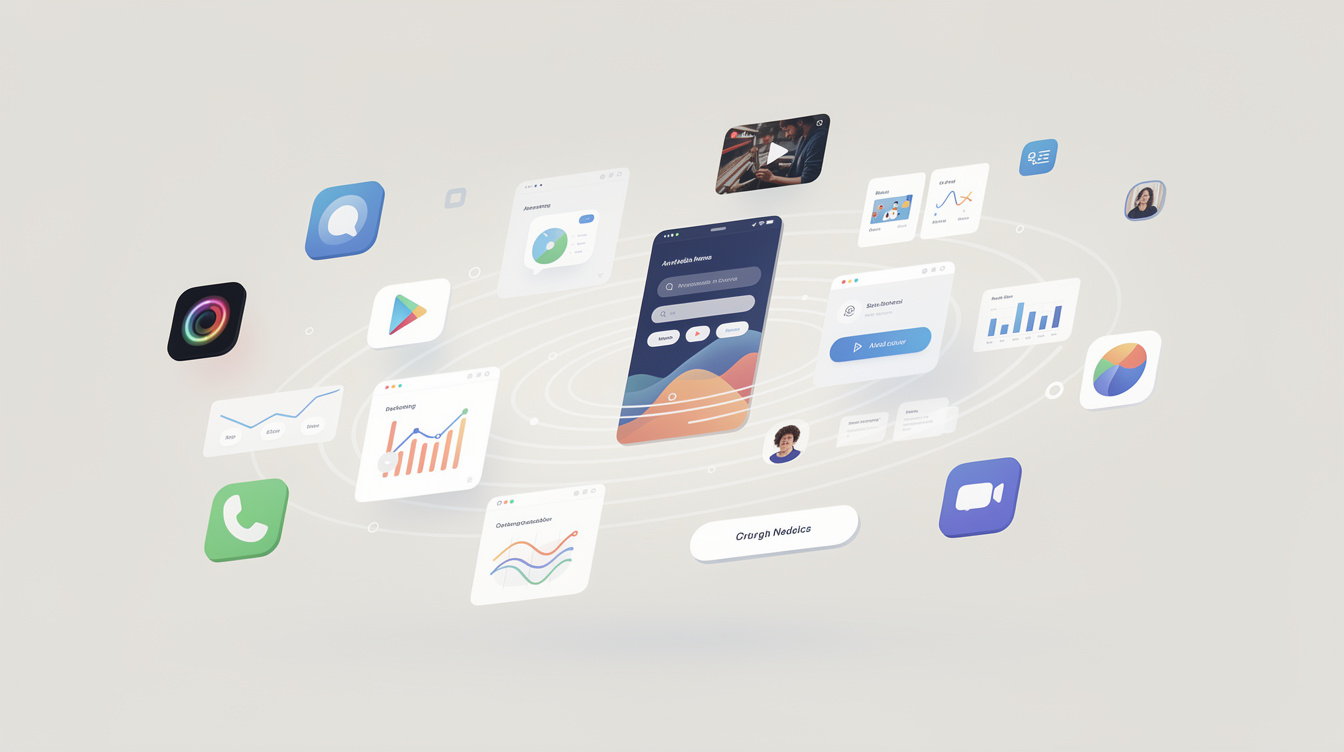
The reason this stage is miserable for most independent artists is app-hopping. The cover happens in one tool, the video in another, the resizing in a third, and every handoff loses time and consistency. So here's the actual checklist — and a way to do all of it in a single afternoon.
The full asset list
Here's everything a song typically needs to release and promote properly. Not all are mandatory, but the more you have, the more shots you get at being noticed.
| Asset | What it's for | Mandatory? |
|---|---|---|
| Cover art (3000×3000) | Required by every distributor | Yes |
| A looping visualizer / canvas | Spotify Canvas; makes the track move | High value |
| Short snippets (15–30s) | The single most-shared promo format | Effectively yes |
| Lyric video | YouTube presence + a lyrics-search entry point | High value |
| Vertical clip (9:16) | Reels / TikTok / Shorts | Effectively yes |
| Square + story sizes | Instagram post, story, announcement graphics | High value |
| The "out now" graphic | Release-day announcement across platforms | Medium |
Notice the pattern: it's mostly the same song, re-dressed for a handful of destinations. That's exactly why the work feels dumb when it's split across apps — you're manually rebuilding the same idea in six places.
Doing it in an afternoon
Here's a realistic, fast order of operations. The trick is doing it where the pieces can hand off to each other instead of exporting between tools.
1. Lock the cover first (~45 min)
Everything else inherits from the cover, so decide the look here. You need one strong 3000×3000 image. Generate or design it, set your type, done. The moment the cover exists, every other asset has a palette and a vibe to match — so make this the anchor decision.
In Canvas, a design can open already knowing the song's title and palette, so the cover starts on-brand instead of blank — and it exports straight to the platform sizes you need (more on that below).
2. Export every social size at once (~10 min)
This is the step people waste hours on manually. You do not resize a cover by hand for Spotify, then IG square, then story, then YouTube thumb. A Social Pack export gives you every size in one zip from the one design — Spotify 3000², Instagram post and story, TikTok/Reels 9:16, YouTube thumbnail, and more. Ten minutes, not an afternoon.
3. Make the snippets (~30 min)
Pick the most arresting 15–30 seconds of the track — usually the hook or the drop. This single clip will do more promotional work than anything else you make. Pair the audio with your cover or a simple moving visual and you have something postable everywhere.
4. Build the lyric video (~45 min)
A lyric video earns you a YouTube presence and catches everyone who searches your lyrics. The painful old way is hand-syncing every line in a video editor. The fast way: time the lyrics once and let them flow into a video that's already on-brand. In Motion you can tap-to-time, import an .lrc, or auto-align the words, then style the reveal — and because lyrics you wrote in the Journal carry over, you're not re-typing them.
5. Make the vertical clip + "out now" graphic (~30 min)
Cut a 9:16 version of your best moment for Reels/TikTok/Shorts, and make one clean "Out Now" announcement graphic in the same look. You already have the palette, the cover, and the visual language locked from step one — these are now fast variations, not new projects.
Why "one afternoon" is actually realistic
Add it up: roughly 2.5–3 hours for a complete release kit. That number is only possible because the assets share a look and the tools hand work to each other — the cover's palette flows into the video, the lyrics flow from the notebook, the export spits out every size automatically. The afternoon estimate falls apart the moment you're exporting a file from one app to import into another, six times.
This is the difference between a song that goes out with a full rollout and one that gets uploaded bare because the artist ran out of patience at the resizing stage. The music was never the bottleneck. The asset grind was. Collapse the grind, and "release it properly" becomes a single focused session.
Finish the song. Then give yourself one afternoon and walk the list. The version of your release with a cover, a canvas, snippets, and a lyric video will always outrun the version that's just an audio file — and now it doesn't take a month or five subscriptions to make.
Ready to try it yourself?
Onomo is a creative suite in your browser — a full DAW, a design editor, a video editor and a writing room. Free to start, nothing to install.
On your phone? Make your account now and open Studio later on a laptop, Chromebook or tablet. The free Toolkit works right here.
Start your release in the studioOther product and company names mentioned here are trademarks of their respective owners. Onomo isn’t affiliated with or endorsed by them. Details about other products are accurate to the best of our knowledge as of the post date and may change.