What’s Actually Happening in AI Music Right Now
If you’ve been following music AI news, the landscape in 2026 is messy. The major labels have spent the last two years fighting AI music generators in court over training on copyrighted music — and the outcomes so far are a patchwork: some platforms have settled and signed licensing partnerships with labels, while at least one major label is still litigating a fair-use case expected to produce a significant ruling in 2026. The ground is still shifting.
Layered on top is the copyright question for you, the artist. In its 2025 report on copyrightability, the U.S. Copyright Office made the principle clear: a work needs meaningful human authorship to be copyrightable. Simply typing a prompt and exporting whatever the AI renders isn’t enough to claim authorship over the result. A federal appeals court affirmed the broader human-authorship requirement the same year.
These aren’t just legal technicalities. They directly affect how you can use AI without losing ownership of your work. You don’t have to abandon AI, though. You just need to know which tools preserve your copyright and which are a liability.
Why This Matters for Your Copyright as an Indie Artist
Copyright law comes down to one thing: human authorship. You can’t copyright something a machine created autonomously. If an AI takes a text prompt (“make a dark trap beat with 808s”) and spits out a complete WAV file without any human editing, that output is likely in the public domain under current rulings. That means anyone can use it — including competitors.
Even worse: if the AI model was trained on unlicensed music, a song you generate with it could be tangled up in the legal questions hanging over that model. At minimum, a copyright dispute over the tool you used is a headache you don’t want attached to your release.
The key question is: are you directing the AI as a tool, or are you just pressing a button? The Copyright Office’s ruling made clear that “the human must be the author” — meaning you need to demonstrate creative control over the output.
The Safer Path: AI That Assists, Not Replaces
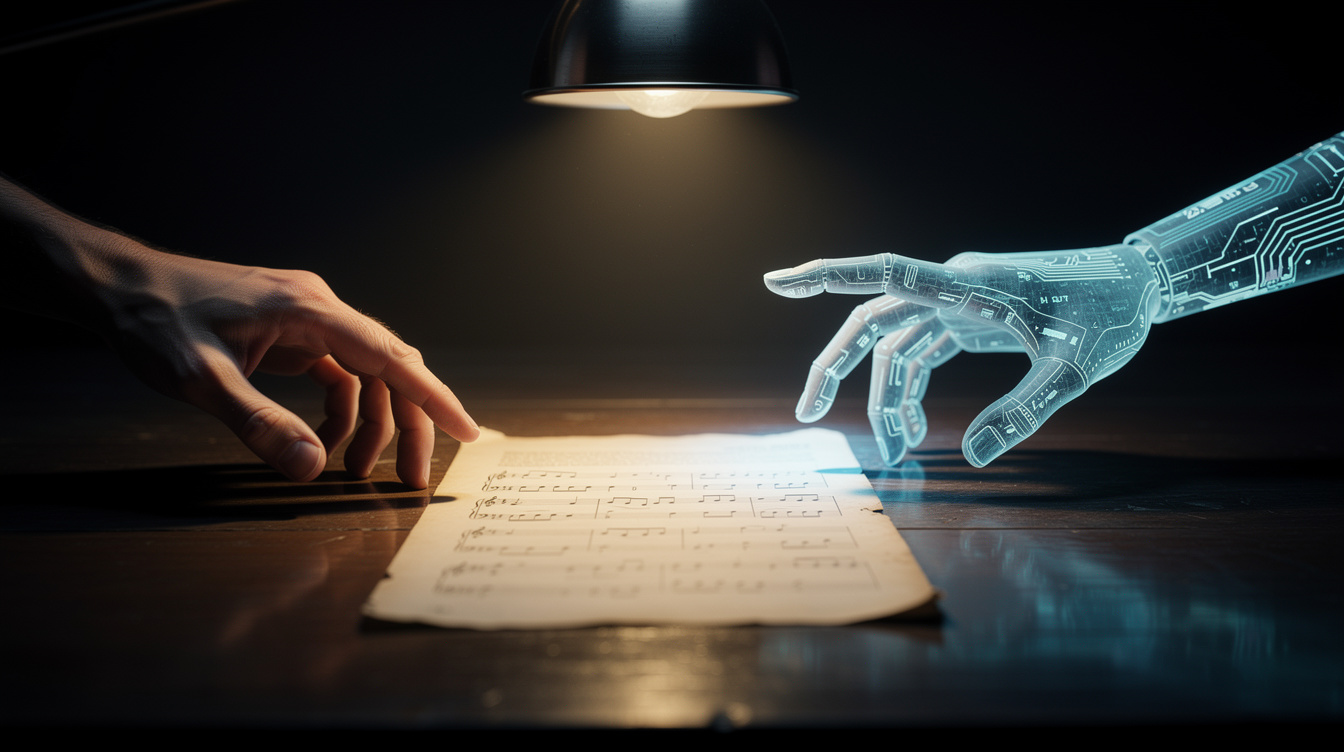
This is where the distinction matters most. A black-box AI generator (prompt → finished audio) leaves no room for human authorship. But an AI assistant that outputs structured, editable musical content — like MIDI patterns, chord progressions, drum kits, or FX chains — puts you back in the driver’s seat. You take that output, shape it, arrange it, add your own parts, and make creative decisions. That’s clearly human authorship.
That’s exactly how Onomo’s Ono agent works. Instead of rendering a finished song, it places notes, patterns, and presets into your project — all editable. You decide what to keep, what to tweak, and what to throw out. The AI is a collaborator, not a replacement.
For copyright the difference is stark: with Ono, you’re the author. With a black-box generator, you’re not.
How to Test If Your AI Tool Is Safe
Before you put AI-generated material into a release, run it through this checklist:
- Check the output. If it only gives you WAV/MP3 files with no way to edit individual instruments, that’s a red flag. If the AI produces MIDI, patterns, or separate tracks you can mute and rearrange, you’re safer.
- Verify the training data. Look for public statements about data sources. Models trained on public-domain, licensed, or self-submitted music are lower risk. Avoid anything that sounds like “trained on millions of songs from the internet” unless there’s clear licensing proof.
- Look for a human-in-the-loop workflow. The best AI tools require you to accept, reject, or modify the output before it becomes part of your project. If the AI can publish a track without you touching it, assume that track has no copyright protection.
- Check the terms of service. Some AI platforms claim ownership of anything generated through their service. Others give you full ownership. Read the fine print.
Onomo’s Foundry is a great example of a zero-risk option: the three free algorithmic engines (Kit Generator, Loop Generator, MIDI Generator) are deterministic, not trained on any copyrighted data. They use hand-coded genre vocabularies and rule-based synthesis. Everything you generate is 100% yours, with no AI-copyright baggage.
What This Means for Your Workflow
You don’t have to go back to pen and paper. AI is a powerful tool — you just need to use it in a way that keeps your copyright intact. Here’s a practical shift:
- Use AI for ideation, not completion. Let it suggest chord progressions, drum patterns, or basslines. Then record your own variations, add your own melodies, write your own lyrics.
- Prefer algorithmic generation over neural networks when you can. Foundry’s generators cost zero AI credits and carry zero copyright risk. The same is true for any deterministic, rule-based tool.
- Keep your work local. Browser-based tools like Onomo run the audio engine locally (in AudioWorklets). Your stems and MIDI stay in your project file, not on a remote server where they could be used for training. That privacy is a real advantage.
The browser also means you can move fast: write a lyric in Journal, drop a beat from Foundry into Studio, create the cover in Canvas, and build a stem-synced video in Motion — all without leaving a single tab. And every decision along the way is yours.
The legal landscape around AI music is still shifting. But one thing is clear: the artists who keep their copyright are the ones who use AI as a creative partner — not a replacement. Choose tools that respect that line, and you’ll stay on the right side of both the law and your own ownership.
This article is general information, not legal advice. For decisions about a specific release, talk to a qualified attorney.
Ready to try it yourself?
Onomo is a creative suite in your browser — a full DAW, a design editor, a video editor and a writing room. Free to start, nothing to install.
On your phone? Make your account now and open Studio later on a laptop, Chromebook or tablet. The free Toolkit works right here.
Try Onomo's AI Agent