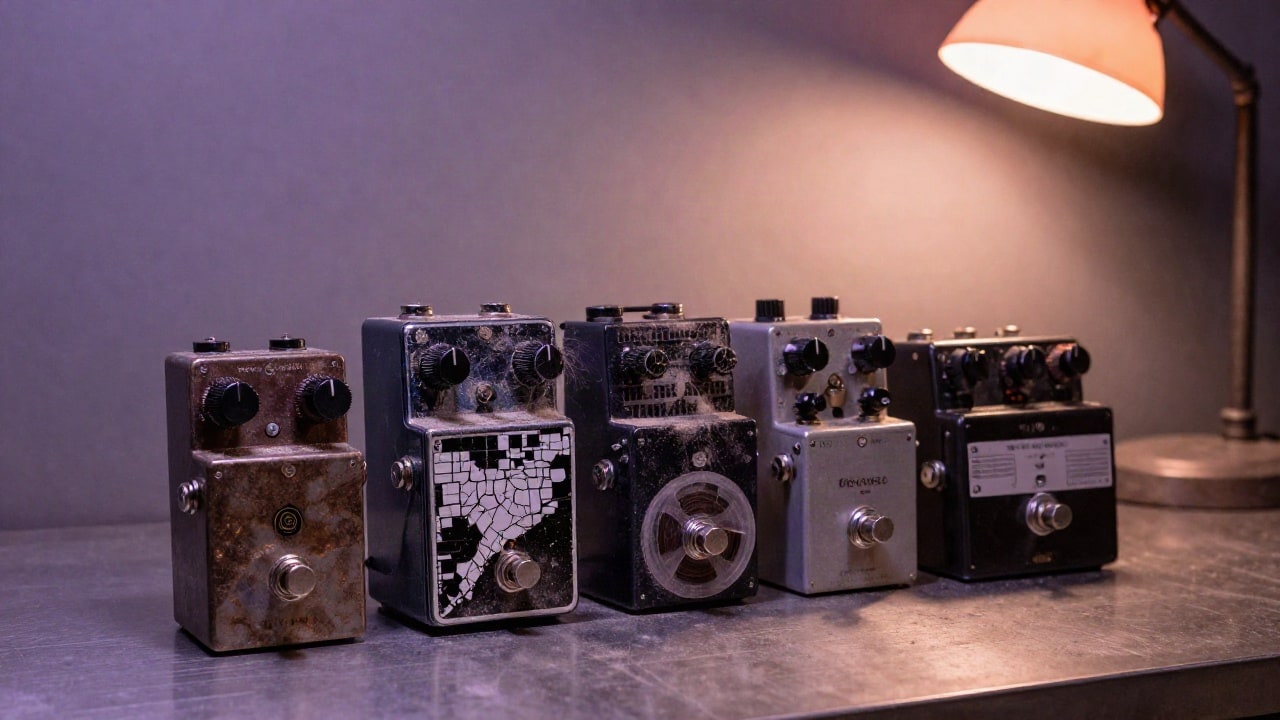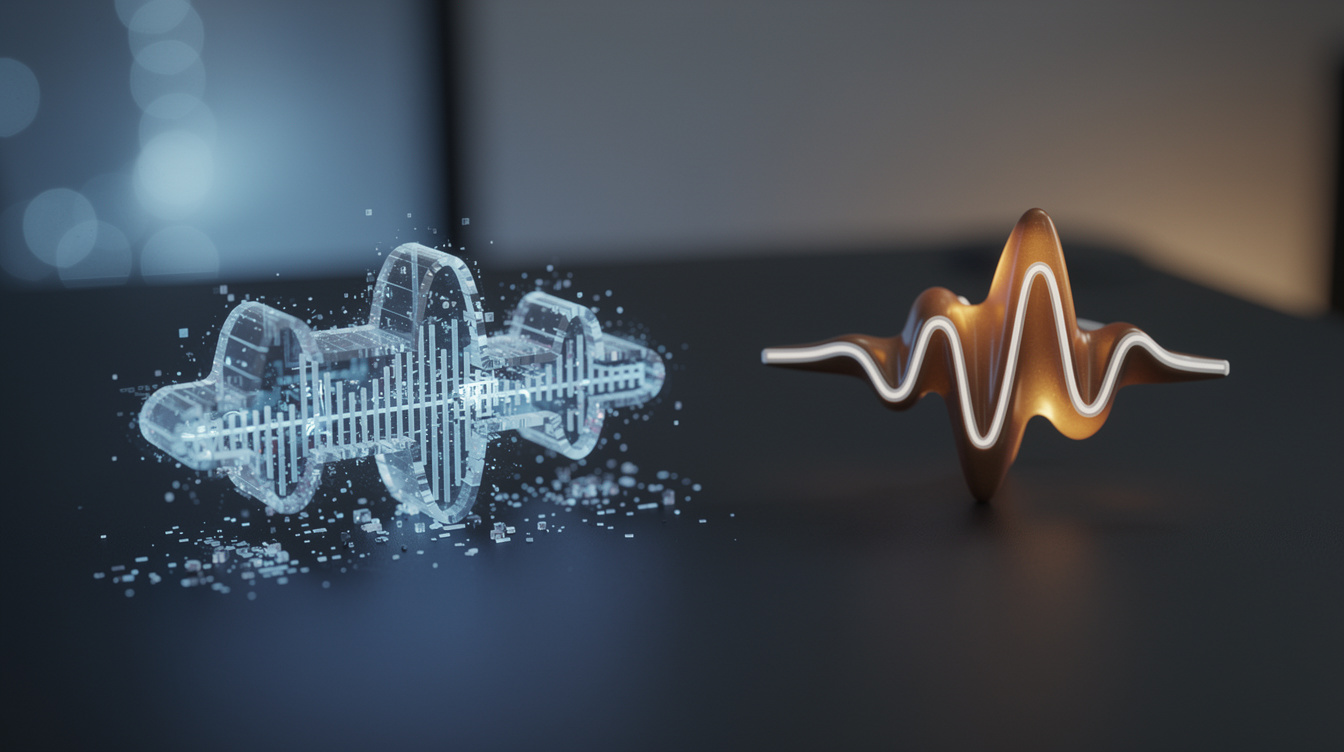
The 30-Second High, the 3-Week Wall
You heard it too. That AI-generated clip that gave you chills — the one you immediately shared in your Discord server with “this is gonna be my next single.” Thirty seconds of pure inspiration. Then you tried to turn it into a real song.
The stems came back as muddy, low-bitrate audio files. The kick drum you wanted to swap? It’s baked into the mix. The chorus you wanted to extend? You can’t. The arrangement is locked inside a black box that only outputs rendered WAVs. Three weeks later, that banger is still a 30-second demo on your hard drive, and you’re back to staring at an empty piano roll.
This is the universal experience of anyone who’s tried to finish an AI-generated track. The tool gives you inspiration, then abandons you. The problem isn’t you. It’s the tool.
Why Those Rendered Stems Are a Dead End
Let’s be specific about why those “stems” are a dead end.
First, they’re rendered audio files. You can’t change a single note, swap a drum sound, or fix a muddy mix. Want to replace that snare with a 909? You can’t — it’s baked into the waveform. Want to adjust the chord progression? You’d need to reconstruct the entire harmony from scratch, by ear.
Second, there's a copyright question hanging over fully-generated audio. The U.S. Copyright Office’s 2025 guidance is clear that a work created by simply entering a prompt — with no meaningful human authorship over the output — isn’t copyrightable on its own. If you can’t point to the creative decisions you made, you may not own what you release. The safest path is to use AI that generates original, editable content you then shape — so your authorship is real and demonstrable.
Third, even if you could edit those stems, you’d need a full DAW and the skills to rebuild everything from scratch. By the time you’ve recreated the arrangement, you’ve essentially produced the whole track yourself. The AI didn’t save you time — it gave you a sketch you had to redraw.
What AI Should Actually Do: Generate Editable Music, Not Rendered Audio
The right AI tool generates structured musical content — drum patterns, chord progressions, melodies, basslines — that lands directly in your DAW as editable MIDI and instrument tracks.
You keep full control. Change a note. Swap a synth. Adjust the arrangement. The AI assists, it doesn’t replace. This is the difference between a collaborator who hands you a rough mix and one who hands you a fully editable project file.
This is exactly what Ono does inside Onomo Studio. It’s a conversational AI music agent built directly into a professional browser DAW. You tell it what you want — “make a dark trap beat with 808s” — and it outputs drum kits, patterns, chords, and melodies straight into your arrangement view. Every note is editable. Every sound is replaceable. The AI is your co-producer, not your replacement.
How Ono Works: The AI Agent That Builds Inside Your DAW
You ask in plain language, and Ono works out which musical pieces the request needs — drums, chords, a melody, a bassline, a preset, an effect — then writes them into the right tracks. Follow-ups like “add reverb to the lead” or “make the 808s hit harder” edit what’s already there instead of starting over.
The result isn’t a rendered audio file. It’s a real, editable Studio project. You can open the piano roll and tweak every note. You can swap a synth engine. You can rearrange the sections. The AI gave you a starting point that’s actually usable.
The Real Workflow: From AI Idea to Finished Track
Here’s what a complete workflow looks like in Onomo — no other tool offers this integration.
- Start with Ono in Studio. Generate a chord progression and a melody. Tweak the MIDI in the piano roll — maybe move a bass note, adjust a velocity curve.
- Generate a drum pattern with Foundry — free algorithmic generation that costs zero AI credits. Pick from dozens of genre vocabularies, export as MIDI, drop it into your project.
- Arrange, mix, master — all in the same browser tab. Studio has a full mixer with bus routing, sidechain, automation lanes including tempo curves, and a master chain.
- Add lyrics in Journal — the lyric editor has a built-in rhyme finder and AI rewrite. Line-level timings flow directly into Motion.
- Generate cover art in Canvas — the “From Song” panel pulls your project’s cover art and waveform automatically.
- Make a music video in Motion — beat-synced clip editing, audio-reactive bindings (visuals react to the song and to individual stems), and lyric karaoke layer from Journal.
The whole loop — idea → production → cover → video → release — happens in one browser tab. No exporting, no round-tripping, no plugin crashes. The integration is the moat.
The Honest Truth: AI Won't Finish Your Song. You Will.
Let’s be real: AI is great for breaking writer’s block, generating variations, and speeding up the boring parts. It’s terrible at taste, arrangement, and emotional arc. The producers who finish tracks are the ones who treat AI as a collaborator, not a crutch. They edit. They rearrange. They make human decisions.
Onomo gives you the tools to do that — in one tab, with no downloads, no plugin crashes, and no legal gray area. The AI generates editable, structured content. You shape it into something that sounds like you.
If you’ve got a 30-second demo stuck in a black box, it’s time to break out. Try Onomo Studio and Ono for free — your next finished track is one tab away.
Ready to try it yourself?
Onomo is a creative suite in your browser — a full DAW, a design editor, a video editor and a writing room. Free to start, nothing to install.
On your phone? Make your account now and open Studio later on a laptop, Chromebook or tablet. The free Toolkit works right here.
Try Ono in Studio