Power Tools
The deep dives. Full walkthroughs of Onomo’s heavyweight surfaces — split a song into stems, turn audio into MIDI, build chord progressions, and more. Everything runs in the browser.
9 posts
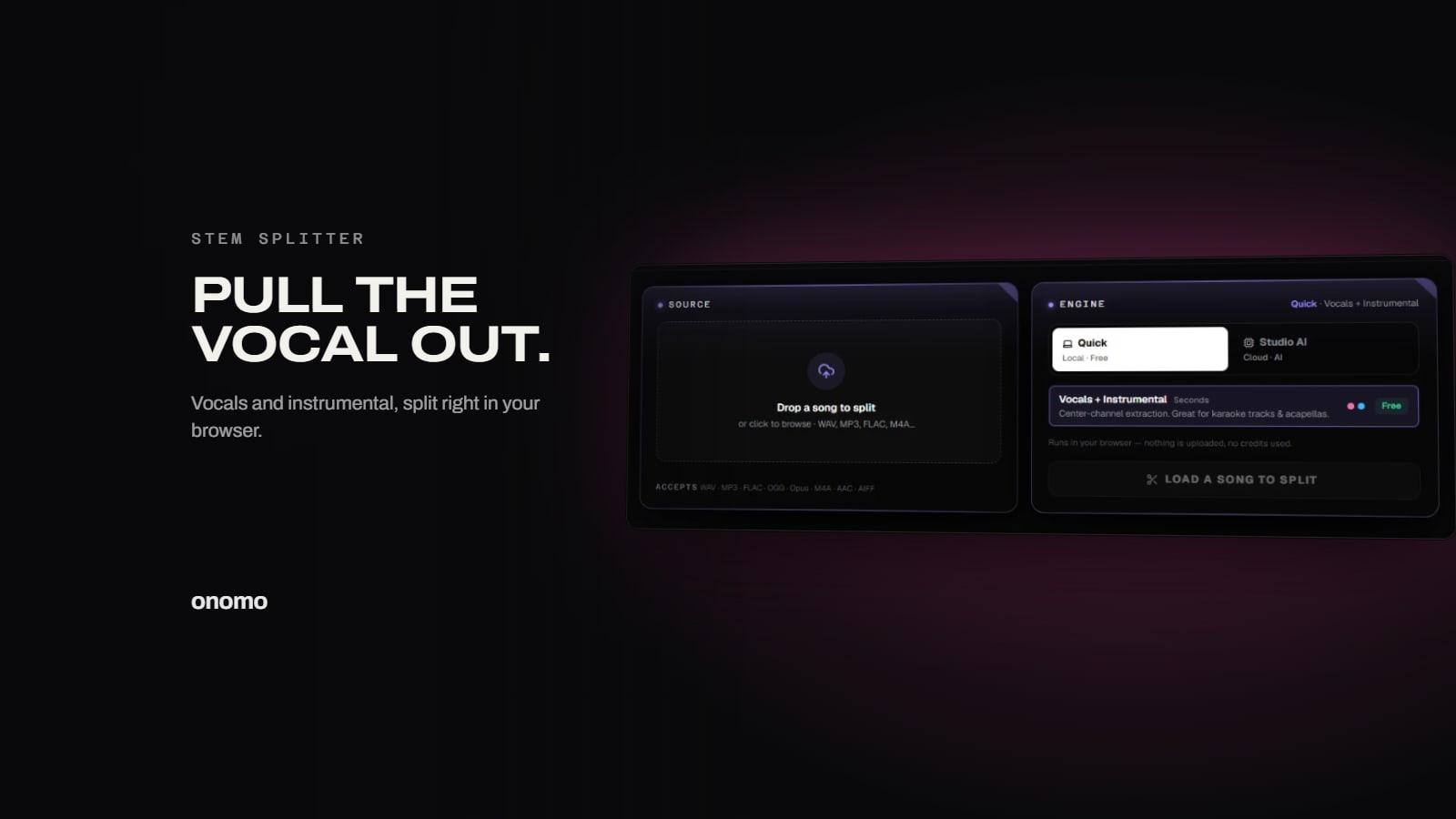
Separate Vocals from a Song Online Free: How to Extract Stems Instantly in Your Browser
Extract vocals, drums, or bass from any song for free—no uploads, no installs. Onomo's Stem Splitter's free Quick mode runs entirely in your browser, with an optional Studio AI mode for more stems.

How to Get an Acapella for a Remix or Mashup (Free)
You want the vocal off a song to build a remix or mashup, but the official acapella doesn't exist. Here's how to pull one yourself in the browser — and how to actually use it.
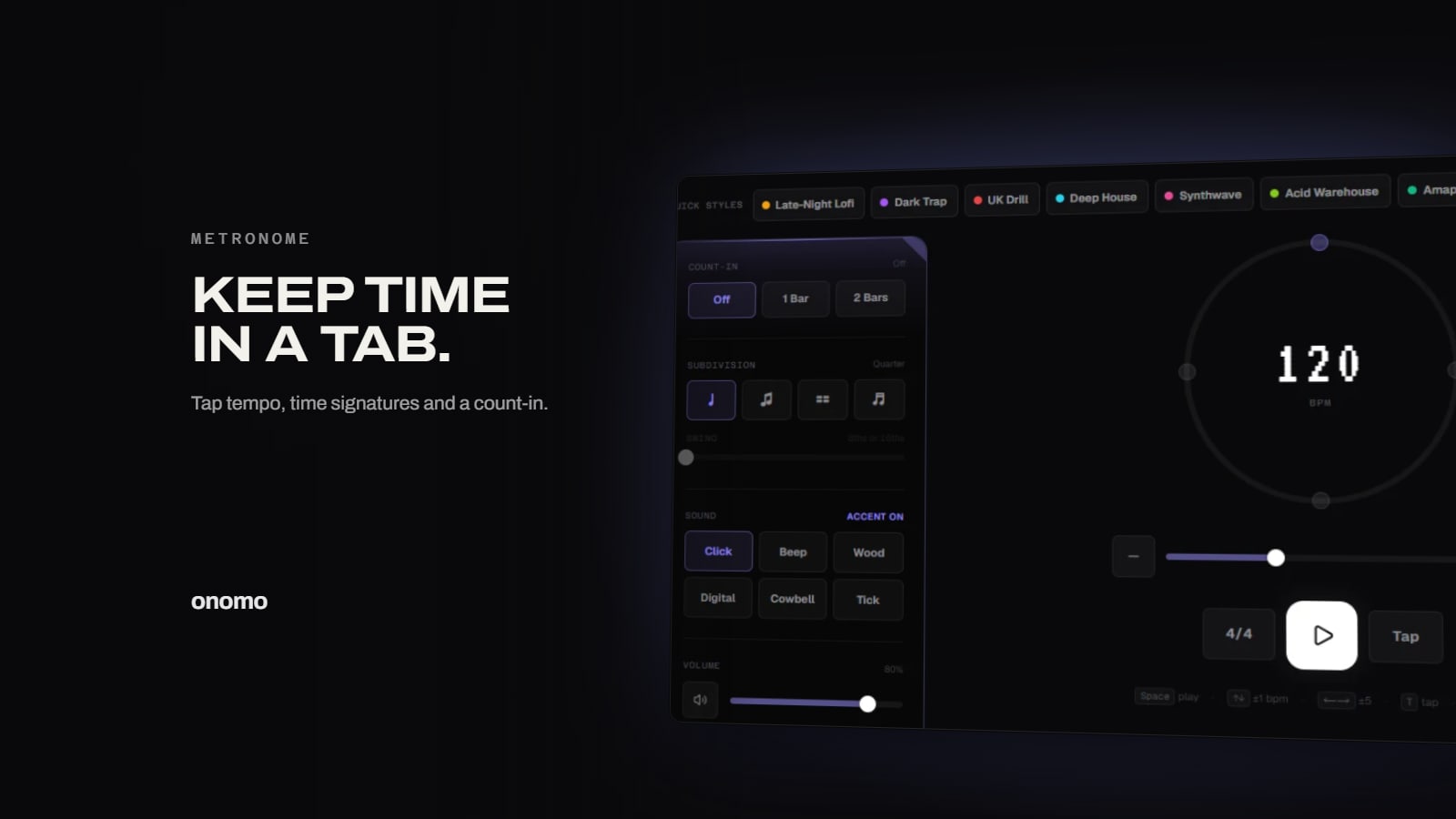
Free Online Metronome: Tap Tempo, Time Signatures, and Cross-Tab Sync
A visual and audio metronome that runs right in your browser, with tap tempo, subdivisions, and automatic sync to your Onomo sessions.

Free Online Guitar Tuner: Chromatic Pitch Detection with Reference Drones
A browser-based chromatic tuner that listens through your mic, shows the note and cents, and plays reference drones for any instrument or voice.

The Free Browser Toolkit Every Musician Needs (Tuner, Metronome & More)
A tuner, a metronome, and a chord finder that all live in a browser tab — the practice-and-songwriting essentials for any instrument, free, no download.

Convert Audio Files Online Free: Browser Converter with No Upload
Drop a file, pick a format, download. A free audio converter that runs entirely in your browser, so your audio is never uploaded anywhere.
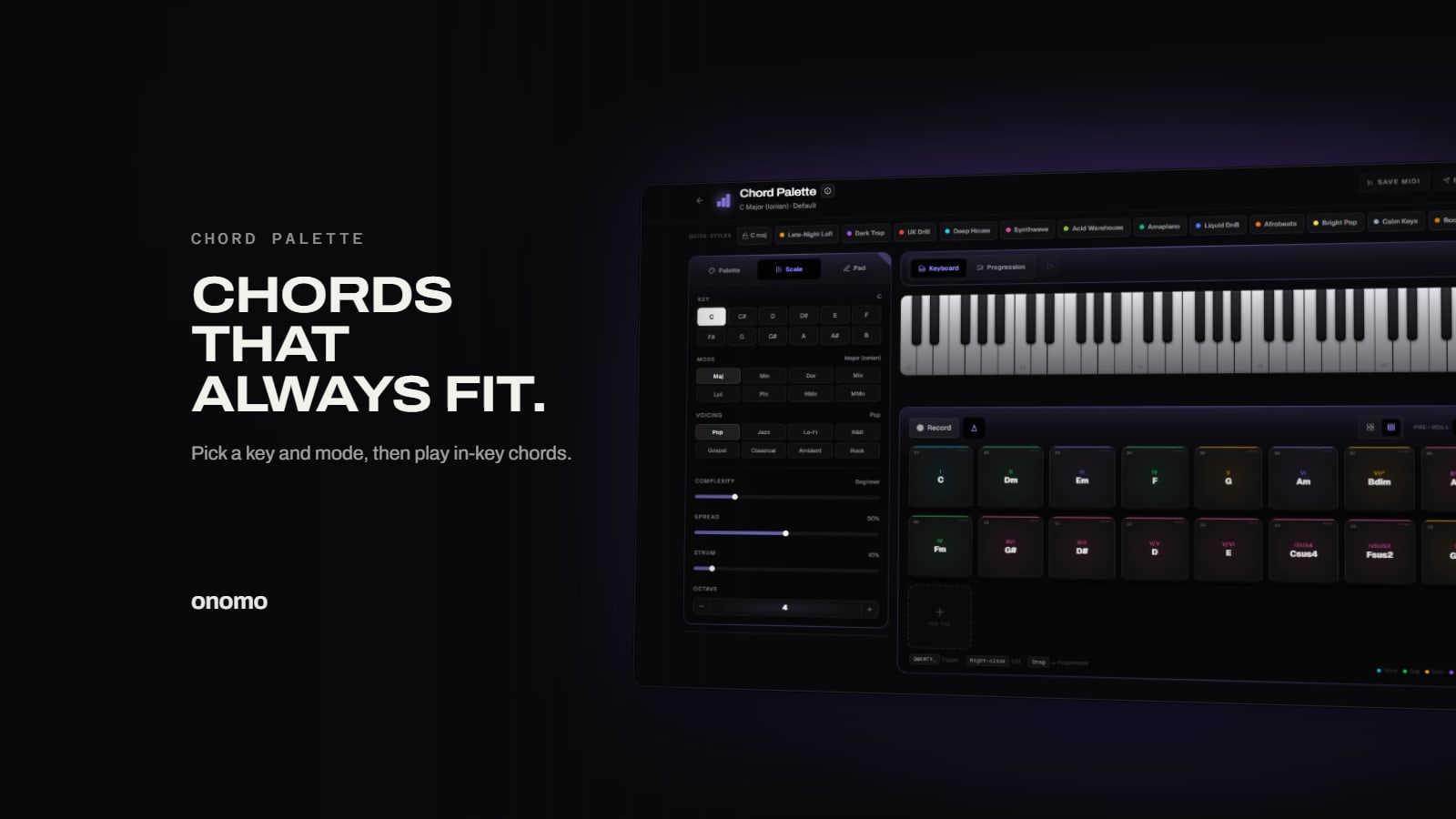
Chord Progression Generator: Build In-Key Progressions in Your Browser
Pick a key and mode, get the chords that belong to it, arrange them on a timeline, and export to MIDI. A free songwriting sketchpad in your browser.

How to Batch-Convert Audio Files (and Why Format Matters)
Convert a whole folder of audio at once, and understand which format to use when. WAV and FLAC for masters, MP3 for sharing — here's the batch workflow, with nothing uploaded.

How to Convert Audio to MIDI in Your Browser (Hum a Melody, Get Notes)
Hum a melody, play a riff, or drop in a bassline and get back editable MIDI — free, in your browser. Here's how Audio to MIDI works, when to use each engine, and how to clean up the result.