Chromebooks are great until you try to make music on one. The big desktop DAWs are built for Windows and macOS, GarageBand is Apple-only, and the Android apps that do run are usually phone apps stretched onto a laptop screen.
There's one thing every Chromebook runs well: Chrome. That's why a browser DAW is the natural fit. There's nothing to install, nothing to sideload, and no Linux container to set up. You open a tab and start.
What you get in the browser
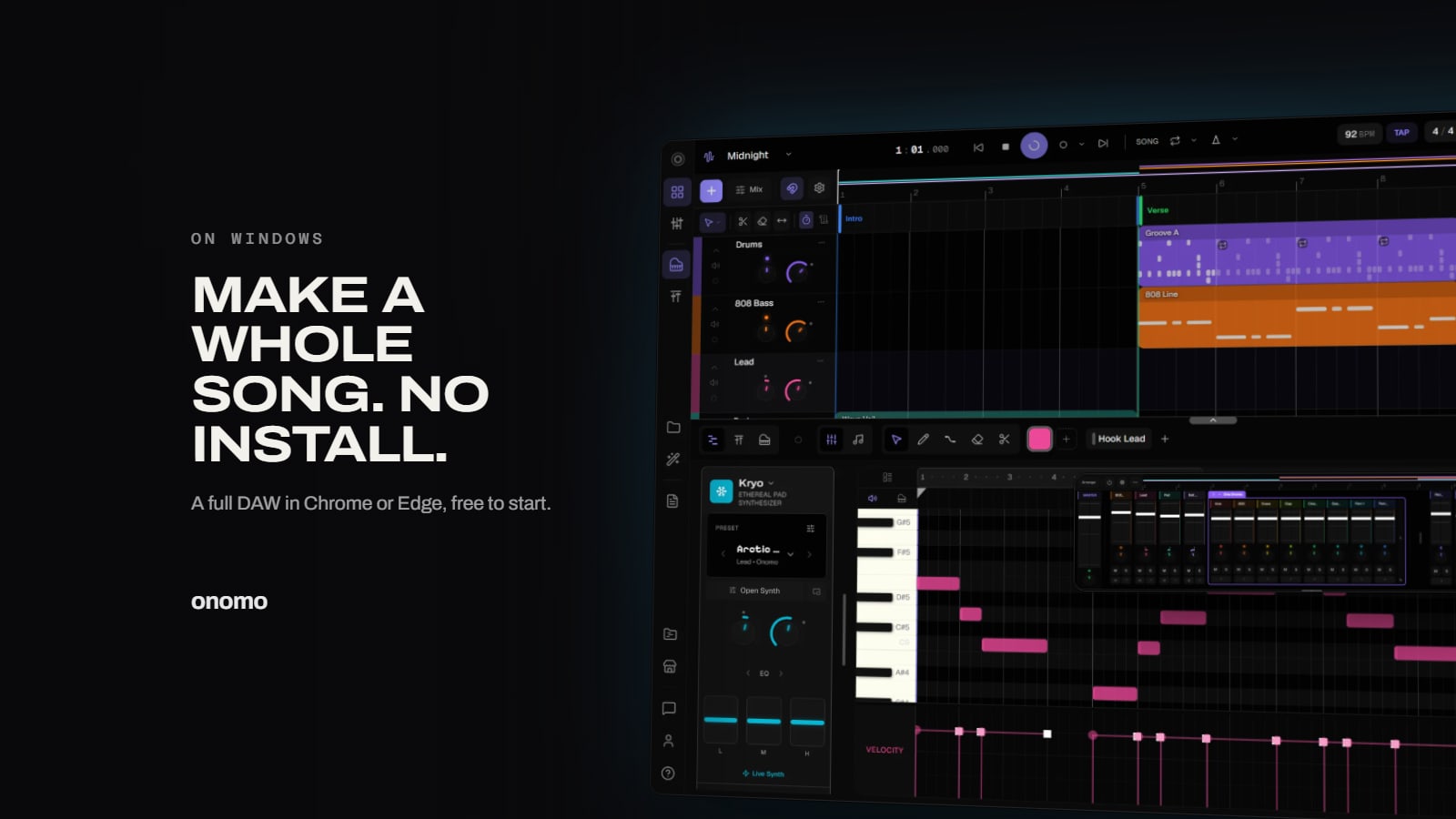
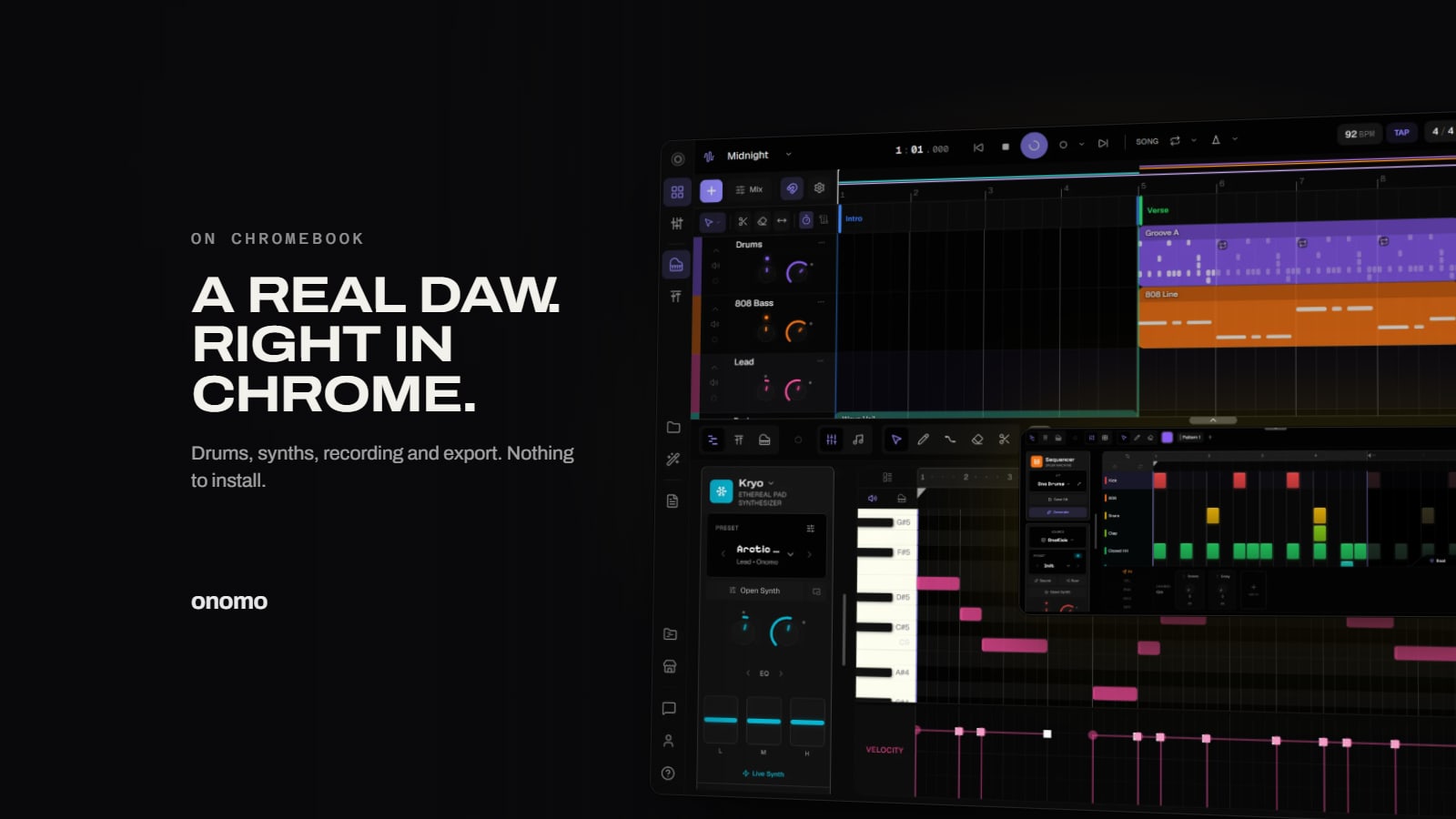
Onomo Studio is a full digital audio workstation that runs in Chrome:
- Drums: a step sequencer with ready-made kits, so you can program a beat in a few clicks.
- Instruments: dozens of synth engines for basses, keys, leads and pads, written in the piano roll.
- Recording: audio tracks for vocals or instruments through the Chromebook's mic or a USB interface.
- Mixing: volume, pan, sends and an effects chain on every track.
- Export: a WAV or MP3 of the whole song, separate stems, or MIDI.

Your projects save to your account instead of the Chromebook's small local drive, so storage space isn't a problem, and you can pick the same project up on any other computer.
Keeping it smooth on a Chromebook
Chromebooks range from budget school laptops to fast premium machines, and audio work is demanding. Real-time audio leans on a single processor core, so a fast chip matters more than lots of cores. A few habits make a big difference:
- Plug in. Laptops slow their processors down on battery, and audio is the first thing to stutter.
- Start small and grow. A beat with drums, a bass and a lead is light; a 20-track session with effects on everything is heavy. See how your machine handles it before building a big session.
- Freeze heavy tracks. Once a synth part is finished, freeze it. Studio bakes it and its effects into audio, so it stops using processor power.
- Close other tabs. They share the same memory and processor as your session.
- MIDI keyboards work. Chrome supports USB MIDI controllers; plug one in and pick it in Settings → Audio & MIDI.

More than a DAW
A song is only part of a release. In the same account you also get Canvas for the cover art, Motion for a lyric video or visualizer that moves to your track, and Journal for lyrics and release plans, all in Chrome, all on the same Chromebook.
FAQ
Is it free? Yes. The free plan includes Studio and every instrument and effect in it; you just need a free account. AI features use credits, and there are paid plans (Plus for more storage and hosting live collaboration, Pro for AI on top), but you don't need either to make and export a song.
Can I record vocals on a Chromebook? Yes, with the built-in microphone or a USB audio interface. Chrome asks for microphone permission the first time.
Will it run on my Chromebook? Studio needs a window at least 768 pixels wide, which every Chromebook screen has. How big a project runs smoothly depends on the processor, so plug in and start with a small beat.
Do I need to be online? You need an internet connection to sign in and to save to your account.
Comparing options in more depth? Read The Best Free Online DAW. On a Windows PC? See GarageBand for Windows: the free alternative.
Ready to try it yourself?
Onomo is a creative suite in your browser — a full DAW, a design editor, a video editor and a writing room. Free to start, nothing to install.
On your phone? Make your account now and open Studio later on a laptop, Chromebook or tablet. The free Toolkit works right here.
Open Studio — freeOther product and company names mentioned here are trademarks of their respective owners. Onomo isn’t affiliated with or endorsed by them. Details about other products are accurate to the best of our knowledge as of the post date and may change.