If you've searched "GarageBand for Windows," you already know the answer: there isn't one. GarageBand is Apple's app, and it only runs on Macs, iPhones and iPads. Download sites that claim to offer a Windows version are, at best, offering something else, and at worst offering malware.
What most people actually want isn't GarageBand itself. It's what GarageBand does: open it, make a beat, play some keys, record a vocal, mix it, and export a song, without paying for pro software or learning a studio's worth of jargon first. On Windows, the closest thing to that today is a browser DAW, because it needs no install at all.
What a browser DAW gives you on Windows
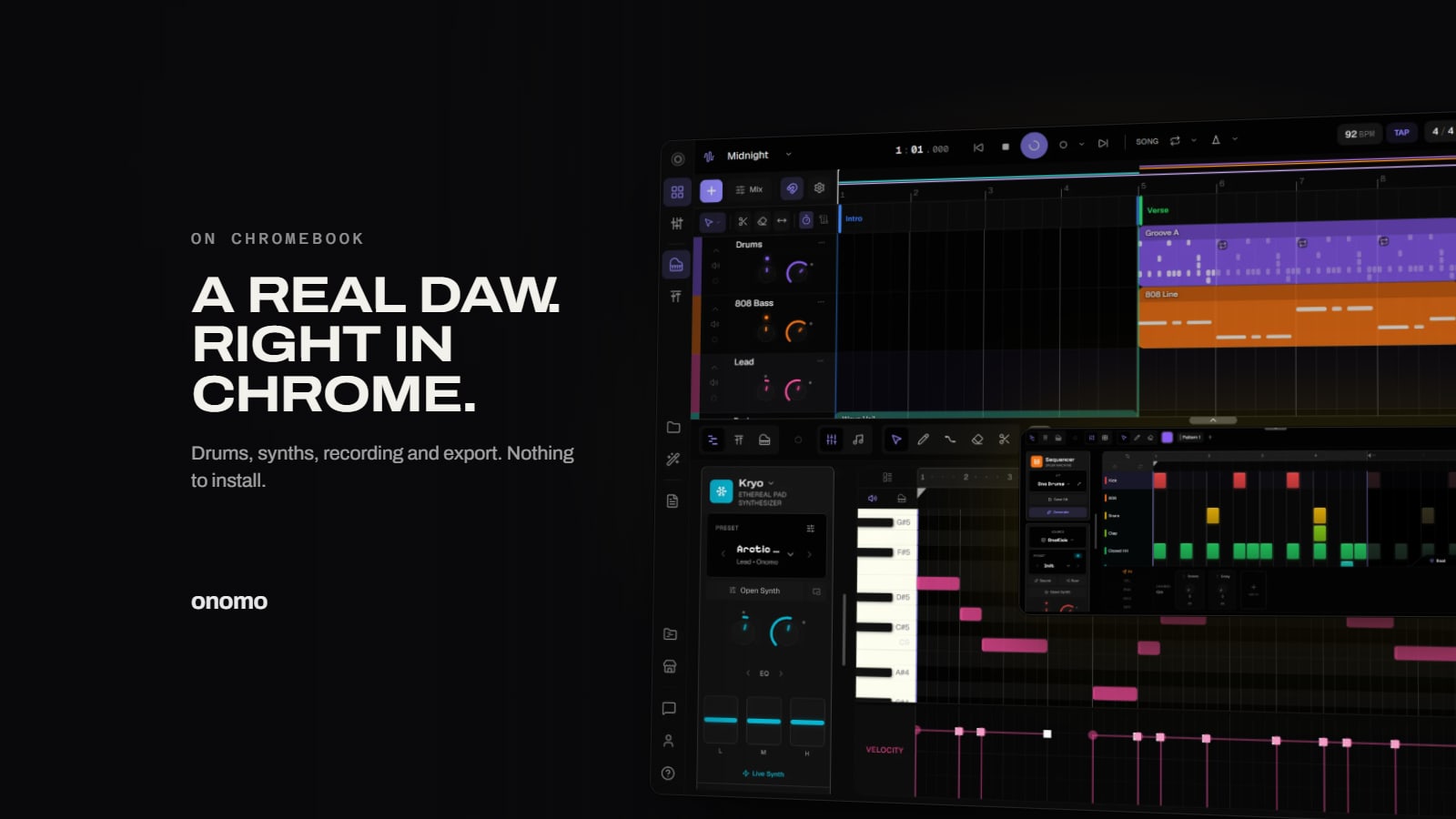
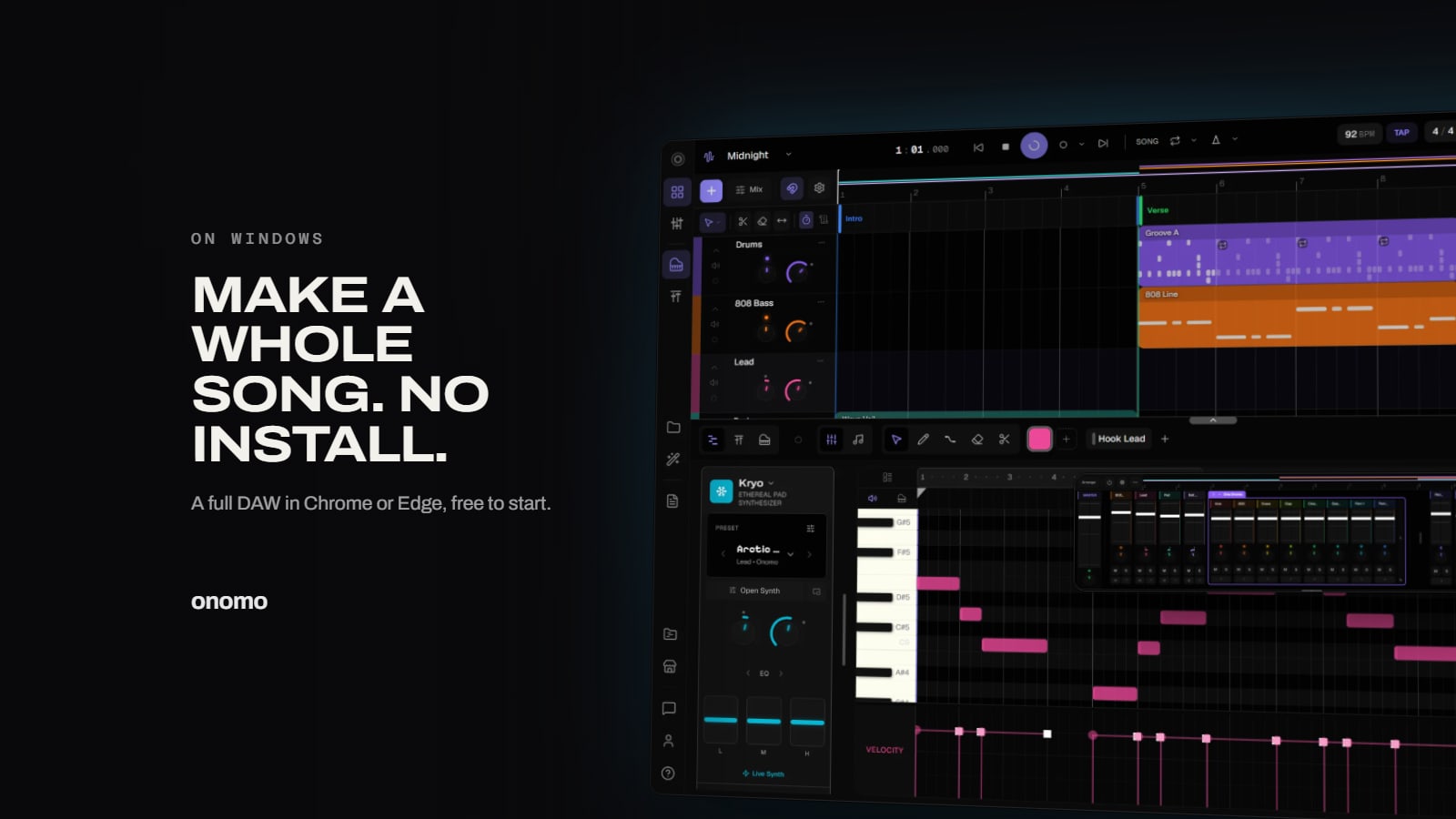
Onomo Studio runs in a normal browser tab. Open it in Chrome or Edge and you get a full digital audio workstation:
- Instruments: dozens of synth engines, each generating sound from scratch rather than playing back samples, plus drum engines for the rhythm section.
- A step sequencer and a piano roll, the two ways GarageBand users already write drums and melodies.
- Recording: audio tracks for vocals or guitar through your mic or interface, with a count-in, monitoring and multiple takes.
- A mixer with volume, pan, sends and an effects chain on every track.
- Export to WAV or MP3, separate stems, or MIDI.

There's nothing to download, no installer to trust, and no plugin folder to manage. Your projects save to your account, so you can start on one PC and keep going on another.
How it compares to the GarageBand workflow
If you're coming from GarageBand on a friend's Mac or an old iPad, most of the ideas map directly:
- Tracks work the same way: one lane per instrument, drum pattern or recording.
- Loops and regions become clips you drag, trim, split and duplicate on the timeline.
- Smart Controls become each instrument's own panel of knobs and presets.
- Sharing a song becomes exporting a WAV or MP3, or MIDI if you want to take the notes into another app.
Bringing work in is simple too: drag a .mid or .wav file straight onto the arrangement and Studio creates the right kind of track for it.
What you need on your PC
A browser DAW is only as fast as the machine it runs on, so here's the honest version:
- Browser: Chrome or Edge. They give the best performance, and they're needed if you want to plug in a MIDI keyboard.
- Screen: Studio needs a window at least 768 pixels wide, so it's a laptop or desktop tool, not a phone one.
- Power: we test on a 2021 4-core Intel laptop, which plays a 15-track project smoothly when plugged in. On battery, Windows laptops slow their processors down a lot, so plug in for bigger sessions.
- Microphone: to record, your browser will ask for permission the first time.

It's more than a DAW
GarageBand stops at the song. Onomo keeps going, because a release needs more than audio. In the same account you also get Canvas for designing the cover, Motion for cutting a lyric video or a visualizer that moves to the track, and Journal for lyrics and release plans. It's all in the browser, so it works on the same Windows PC.
Is it really free?
Yes. The free plan includes Studio and every instrument and effect in it; you just need a free account. AI features use credits, and there are paid plans (Plus for more storage and hosting live collaboration, Pro for AI on top). You don't need either to make and export a song.
Is there an official GarageBand for Windows? No. GarageBand is only available for macOS and iOS.
Can I open GarageBand projects in Onomo? Not the project file itself. Export your parts from GarageBand as audio (or MIDI where you can) and drag them into Studio.
Do I need to be online? You need an internet connection to sign in and to save to your account.
Want more detail on what a browser DAW can and can't do? Read The Best Free Online DAW. On a Chromebook instead? See The Best Free DAW for Chromebook.
Ready to try it yourself?
Onomo is a creative suite in your browser — a full DAW, a design editor, a video editor and a writing room. Free to start, nothing to install.
On your phone? Make your account now and open Studio later on a laptop, Chromebook or tablet. The free Toolkit works right here.
Open Studio — freeOther product and company names mentioned here are trademarks of their respective owners. Onomo isn’t affiliated with or endorsed by them. Details about other products are accurate to the best of our knowledge as of the post date and may change.